Article Overview
Learn how to adjust and fit the Meta Quest 3S headset for a clear, comfortable experience during Osso Nurse Training sessions.
Adjusting the Headset for A Comfortable Fit
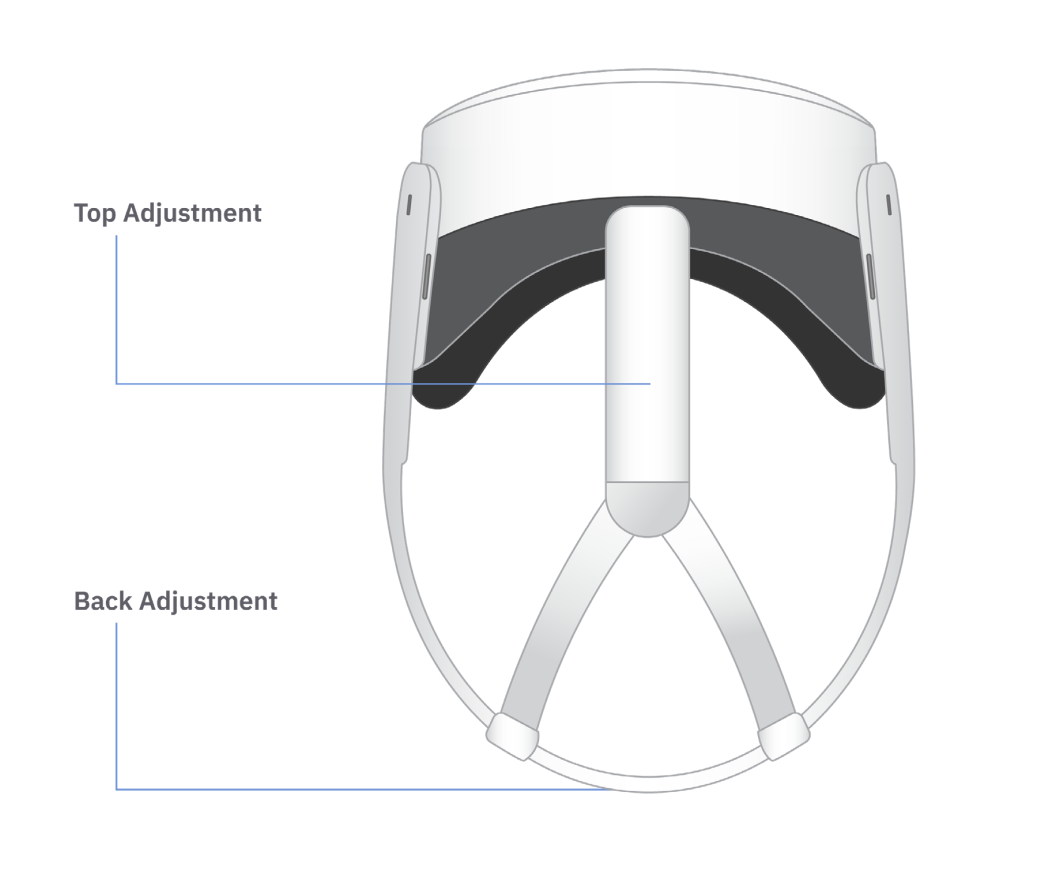
- Put on the headset and check how it feels.
- If the headset feels too loose or too tight, remove it and adjust the top and back straps.
- Put the headset back on and move it slightly up or down to improve clarity.
- Repeat these adjustments until the image is clear and the headset feels snug, balanced, and comfortable.
Lens Alignment and Clarity
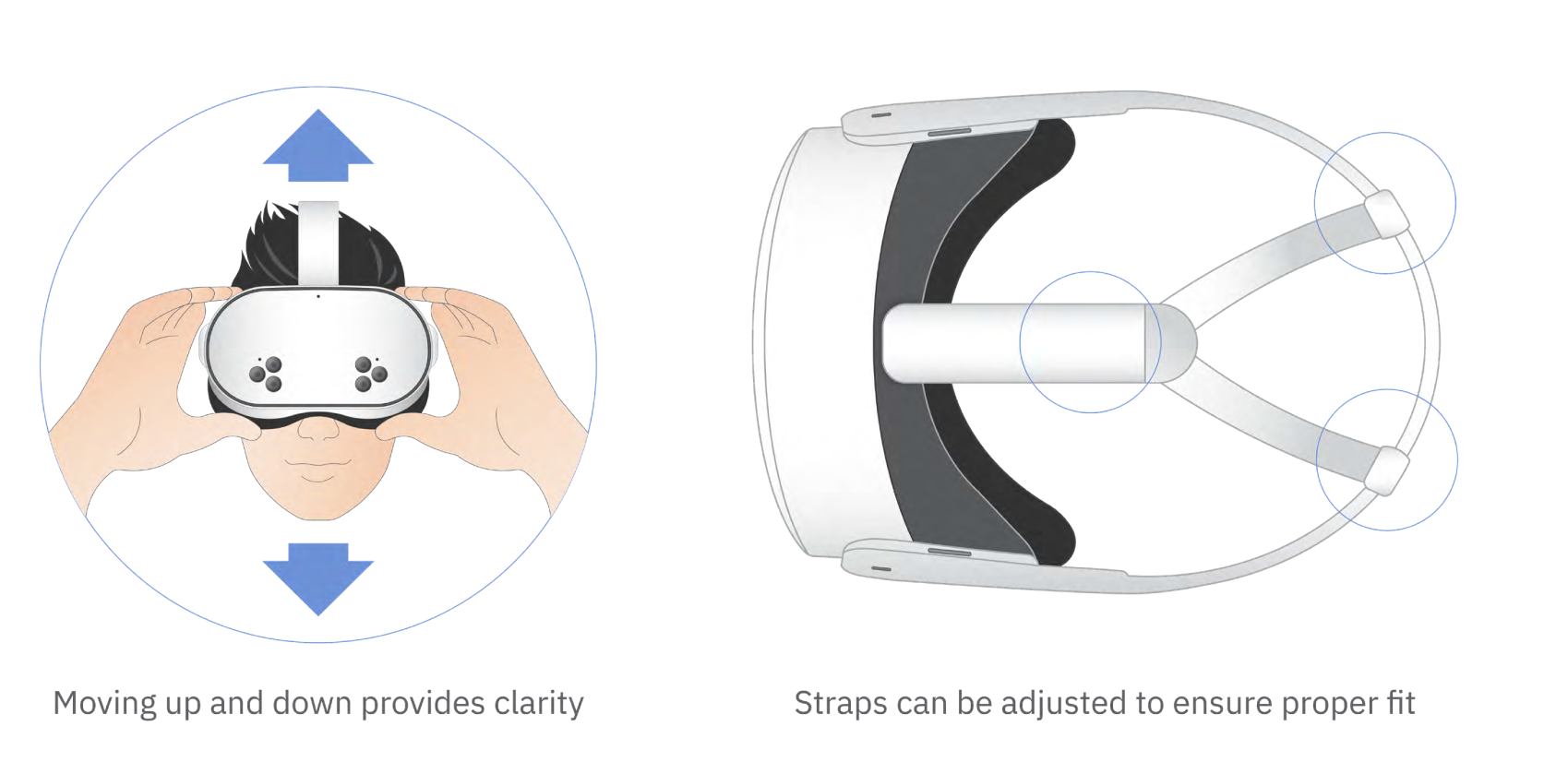
- If the image appears blurry, reposition the headset slightly on the face.
- Tighten or loosen the straps as needed to improve fit and clarity.
- If the image is still unclear, adjust the interpupillary distance (IPD) by gently moving each lens left or right.
- Make small adjustments until the image comes into focus.
For additional guidance, refer to Meta’s official Meta Quest 3S Headset Fit and Feel Resources.