Support Article
See all articles

How to Set Up a VR Boundary

Learn how to set up a room scale or stationary VR boundary on your Quest headset for Osso VR Nurse Training. Step-by-step guide with tips to optimize for procedural skills training.

Article Overview

The Quest headsets need to define a safe area for VR. This is called a boundary. A minimum of six feet by six feet is recommended. A new boundary is required for each new space where the headset is used. The headset may retain previously used boundaries if it recognizes the space.

How to Set Up a Boundary

  1. Put on the headset and follow the on-screen prompt for a suggested boundary.
  2. Wait while the headset automatically detects the floor and creates a virtual fence.
  3. If needed, select Choose Your Own Boundary and adjust the fence to better match the space.
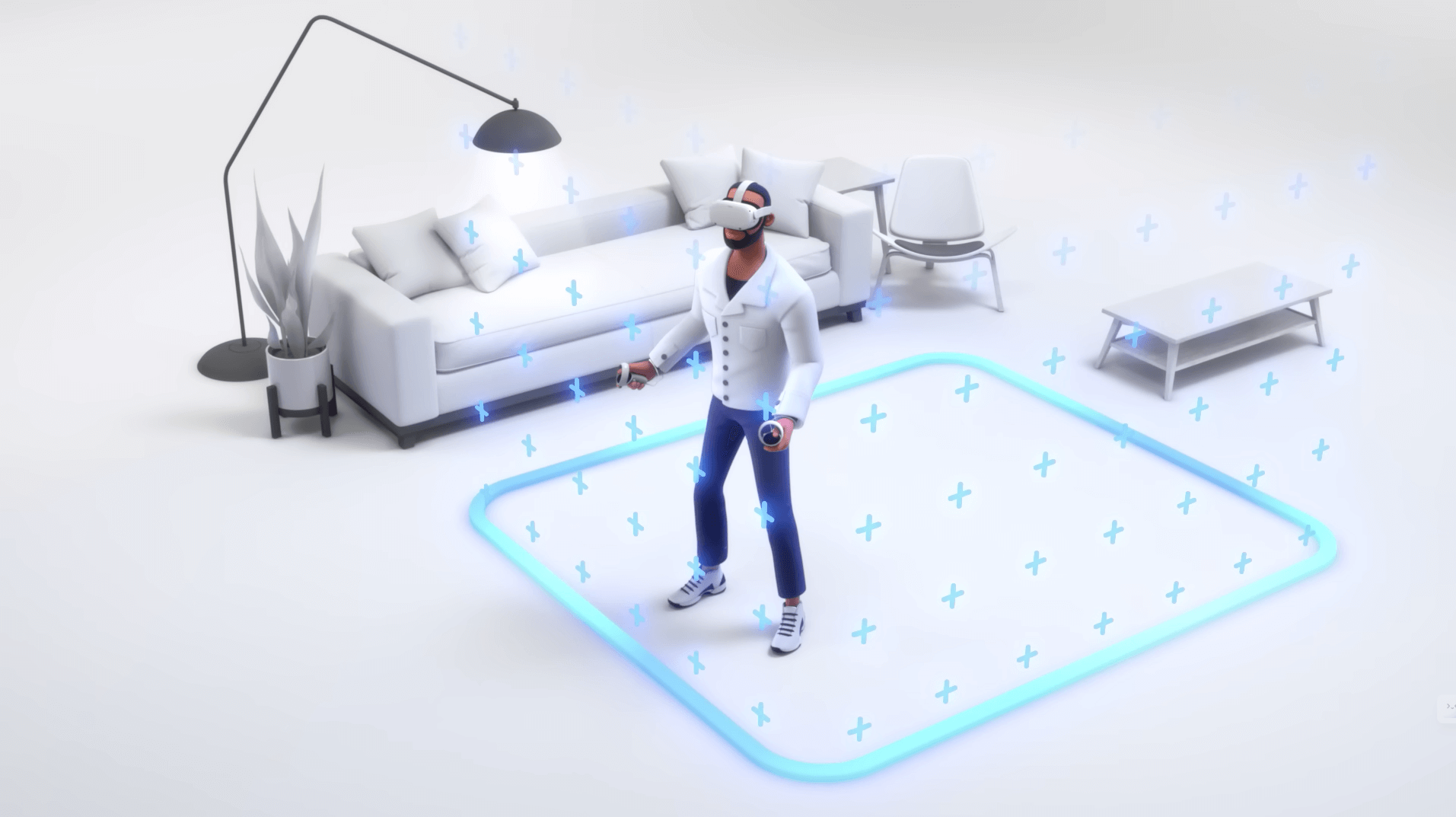
Boundaries can be updated anytime from the Boundary tab in the Quick Settings menu.

Note: If the training space is too small, the headset will suggest a stationary boundary. If a stationary boundary is selected, enough space should remain to fully extend both arms in all directions without contacting nearby objects. For the best experience, it is recommended to use a Room Scale Boundary if possible.

Article Overview

The Quest headsets need to define a safe area for VR. This is called a boundary. A minimum of six feet by six feet is recommended. A new boundary is required for each new space where the headset is used. The headset may retain previously used boundaries if it recognizes the space.

How to Set Up a Boundary

  1. Put on the headset and follow the on-screen prompt for a suggested boundary.
  2. Wait while the headset automatically detects the floor and creates a virtual fence.
  3. If needed, select Choose Your Own Boundary and adjust the fence to better match the space.

Boundaries can be updated anytime from the Boundary tab in the Quick Settings menu.

Note: If the training space is too small, the headset will suggest a stationary boundary. If a stationary boundary is selected, enough space should remain to fully extend both arms in all directions without contacting nearby objects. For the best experience, it is recommended to use a Room Scale Boundary if possible.

Not seeing what you were looking for?

More From Support
Back to Support Portal